Research tool
Launch surveys faster without giving up control of data quality.
<un>peel's survey tool keeps authoring, launch checks, sample buying, live respondent review, and follow-up evidence in one workflow. Teams can build and launch without heavy scripting, then inspect suspicious responses while fieldwork is still live instead of relying only on cleanup once the study has closed.
A research tool inside the <un>peel platform. Starter plans give single-tool access. Foundation and above include the full toolset.
More tools in <un>peel
Before launch: authoring, setup, and sample in one place
The hard part is rarely just programming the questionnaire. It is everything around it: testing the logic, checking the setup, buying sample, monitoring quality, and fixing issues without derailing fieldwork.
The survey tool is designed as one controlled workflow. Research Guard sharpens the questionnaire before launch, sample can be bought natively, and more of the setup burden is handled inside the platform so the team can focus on designing for quality instead of stitching the study together technically.
- Launch checklist before fieldwork for missing questions, quota setup, logic, and testing gaps
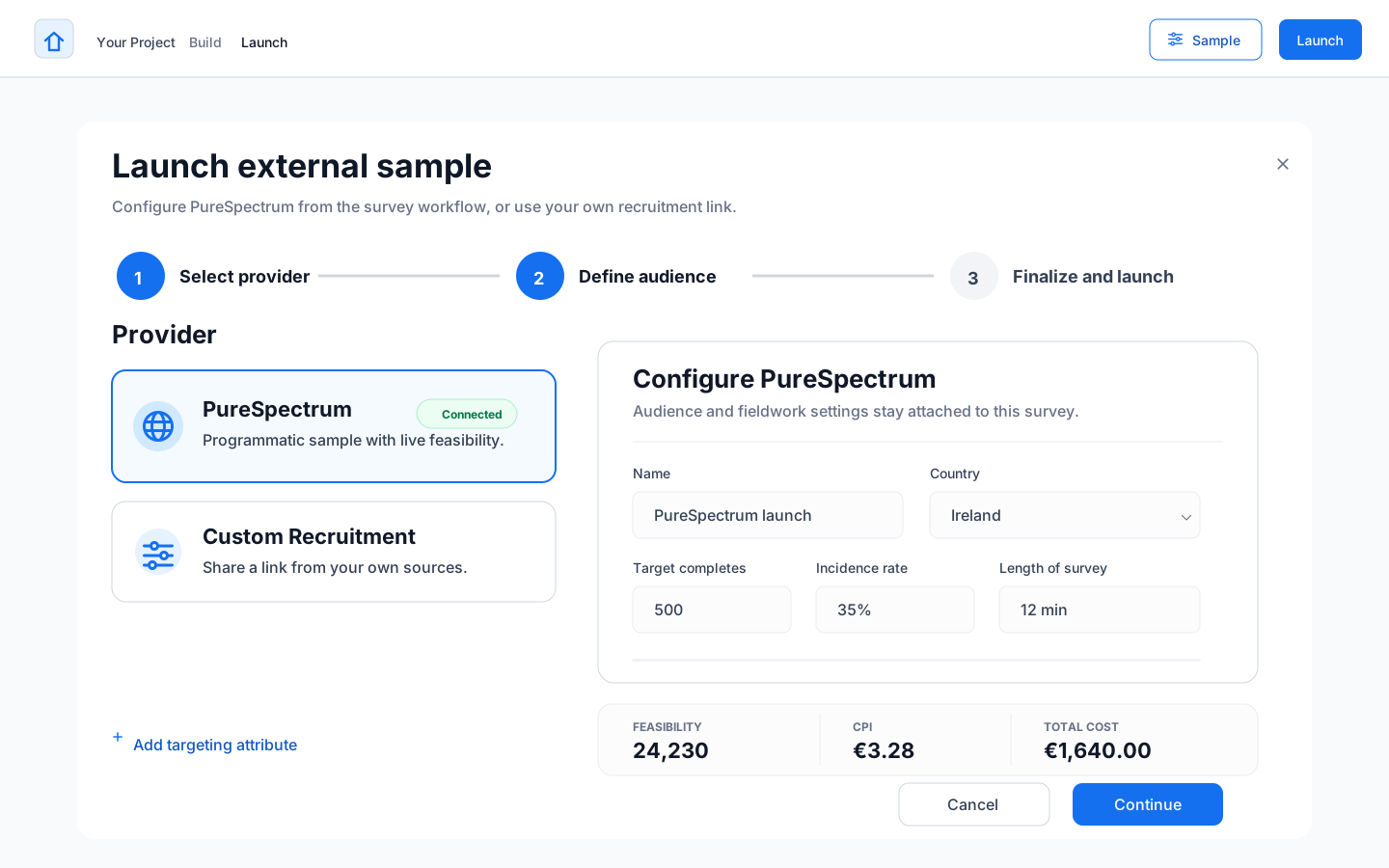
- Native PureSpectrum integration so teams can buy sample without stitching in a separate provider workflow
- Conversational Questions that add qualitative probing inside the survey while keeping responses linked to the quant data
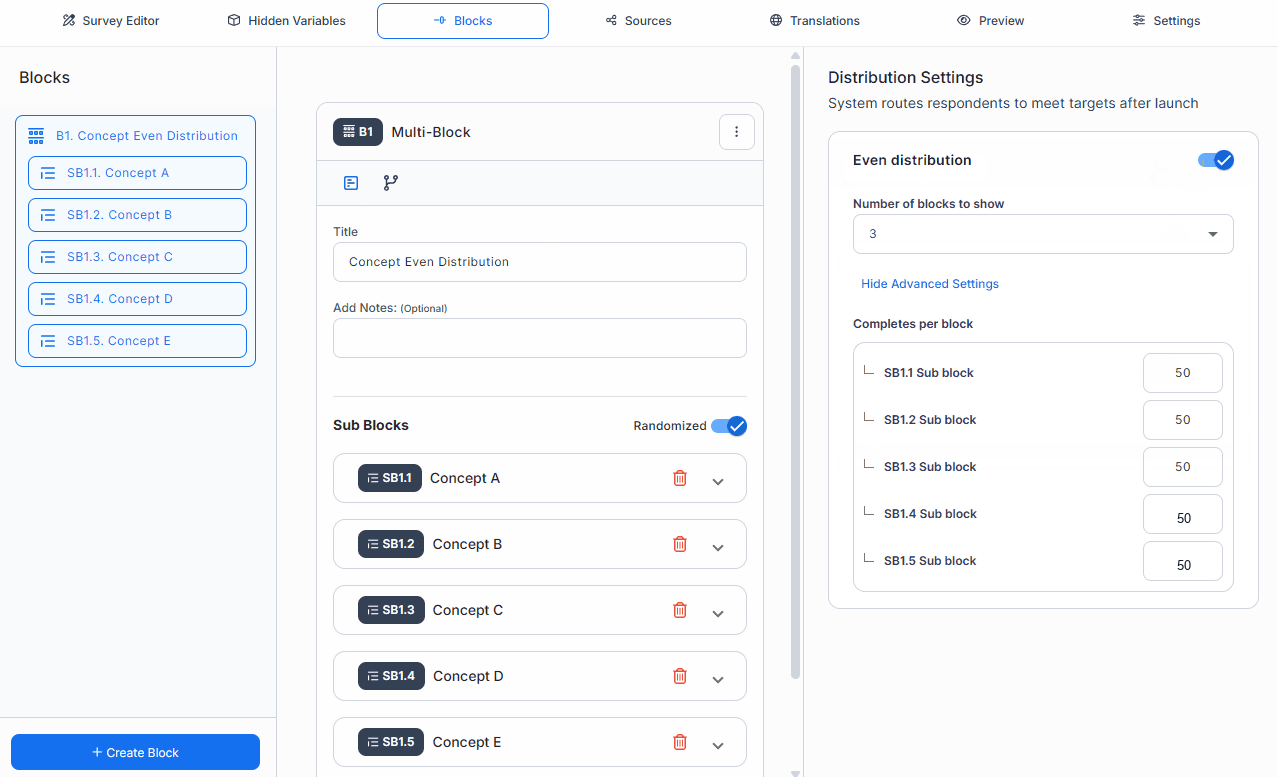
- No-code solutions for some of the most complicated setups, including even and uneven distribution and custom piping

During fieldwork: quality checks built into the workflow
Across the market, quality often shows up as post-response scoring, cleanup filters, or managed screening behind the scenes. In this workflow, the flags and review decisions stay visible to the research team while the study is still open.
Because more of the programming burden has already been taken off the team, researchers can spend less time on manual cleanup rituals and more of their attention on the checks, flags, and patterns that make low-quality responses easier to spot and act on.
- Build respondent-level and question-level checks into the study before launch, then review those flags as responses arrive
- Use advanced open-end checks for gibberish, irrelevant answers, or words respondents should never be typing
- Set question-specific and logic-aware flag conditions that surface suspicious answers for review, with automatic action reserved for clear-cut problems instead of being the default
- Remove respondents case by case or in bulk, with quotas updating against the cleaned dataset as fieldwork continues

Survey authoring redesigned for researchers, not scripters
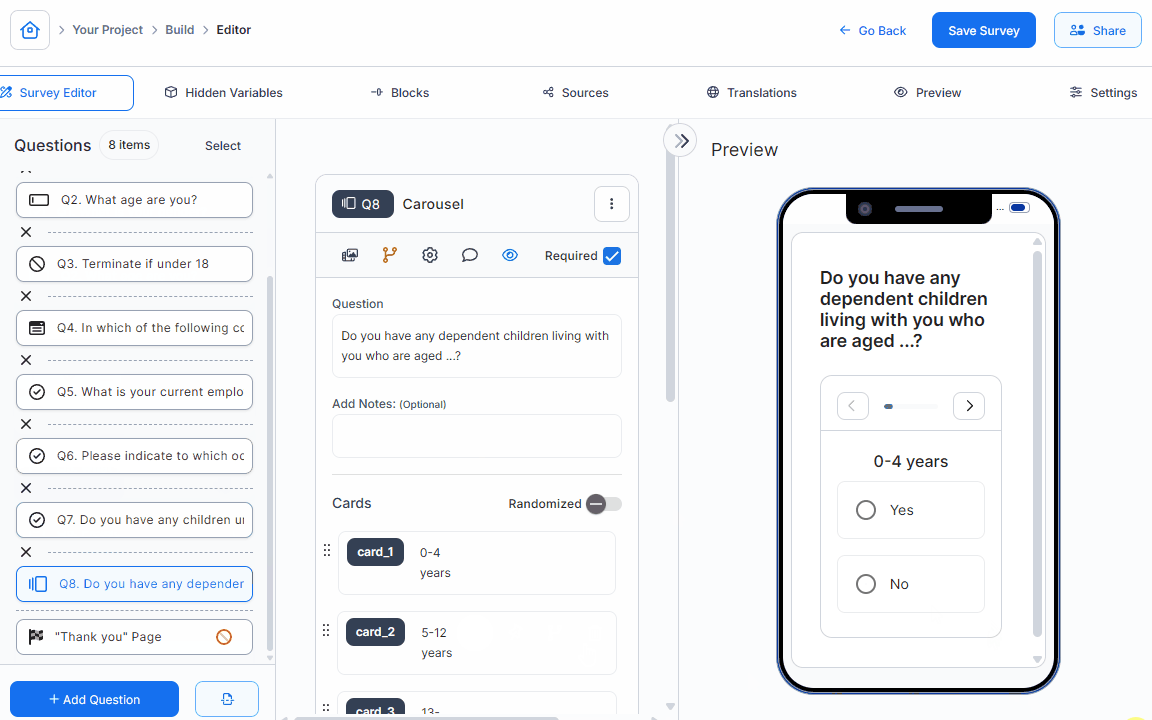
Most survey delay comes from setup and testing friction, not from the research question itself. Complex functions that used to require specialist scripting - even and uneven distributions, question masking, response mirroring - are built into the platform so researchers can handle them directly.
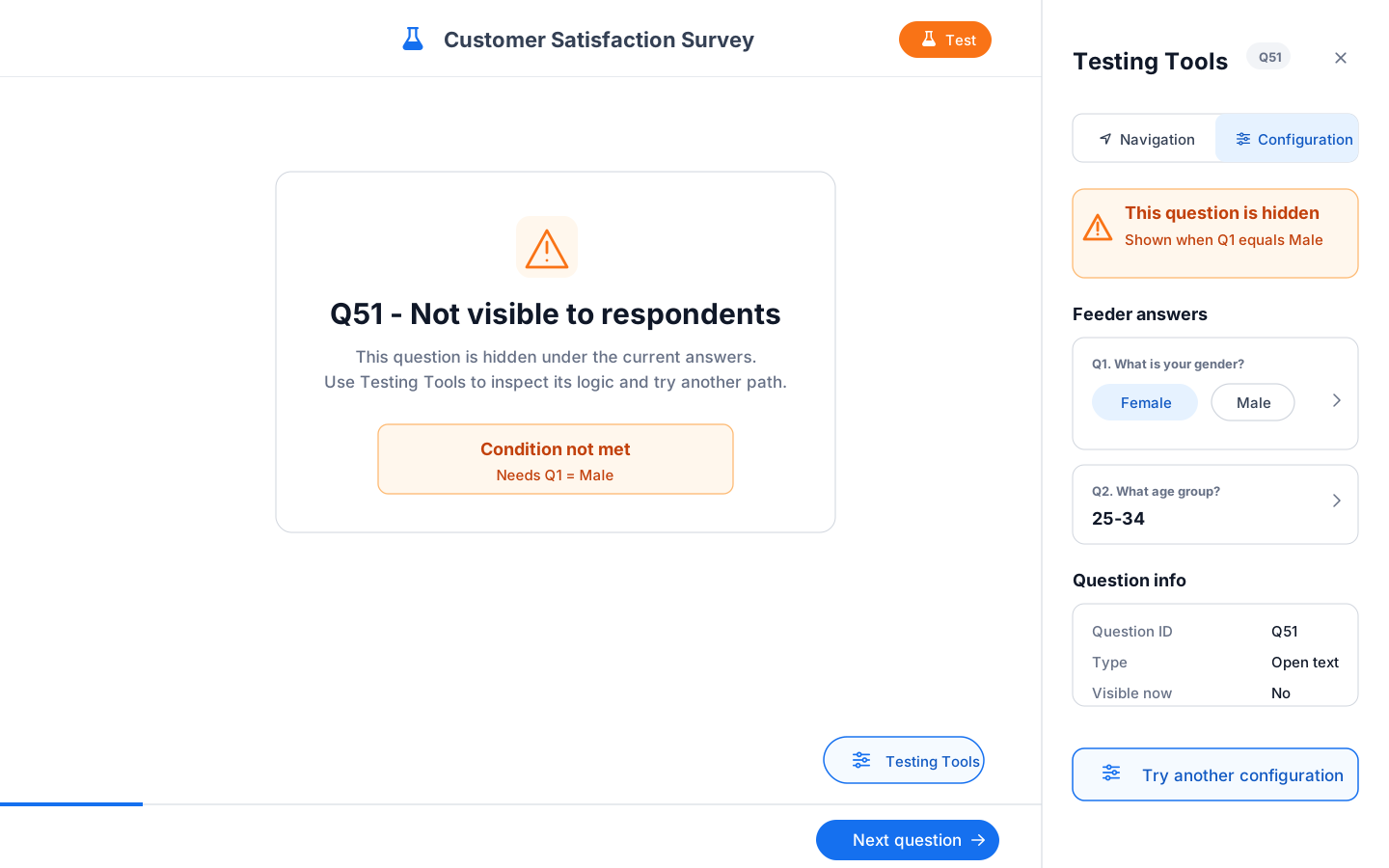
Testing is redesigned too. Instead of running repeated full-survey passes to verify logic, the platform keeps what needs testing in one place and reduces the back-and-forth that makes pre-launch the most time-consuming part of launching a study.

Where quant starts to pick up qualitative depth
Some questions need more than a closed-end answer. Conversational Questions let teams add guided follow-up probing inside the survey itself, so qualitative depth can sit alongside the quant structure instead of becoming a separate project by default.
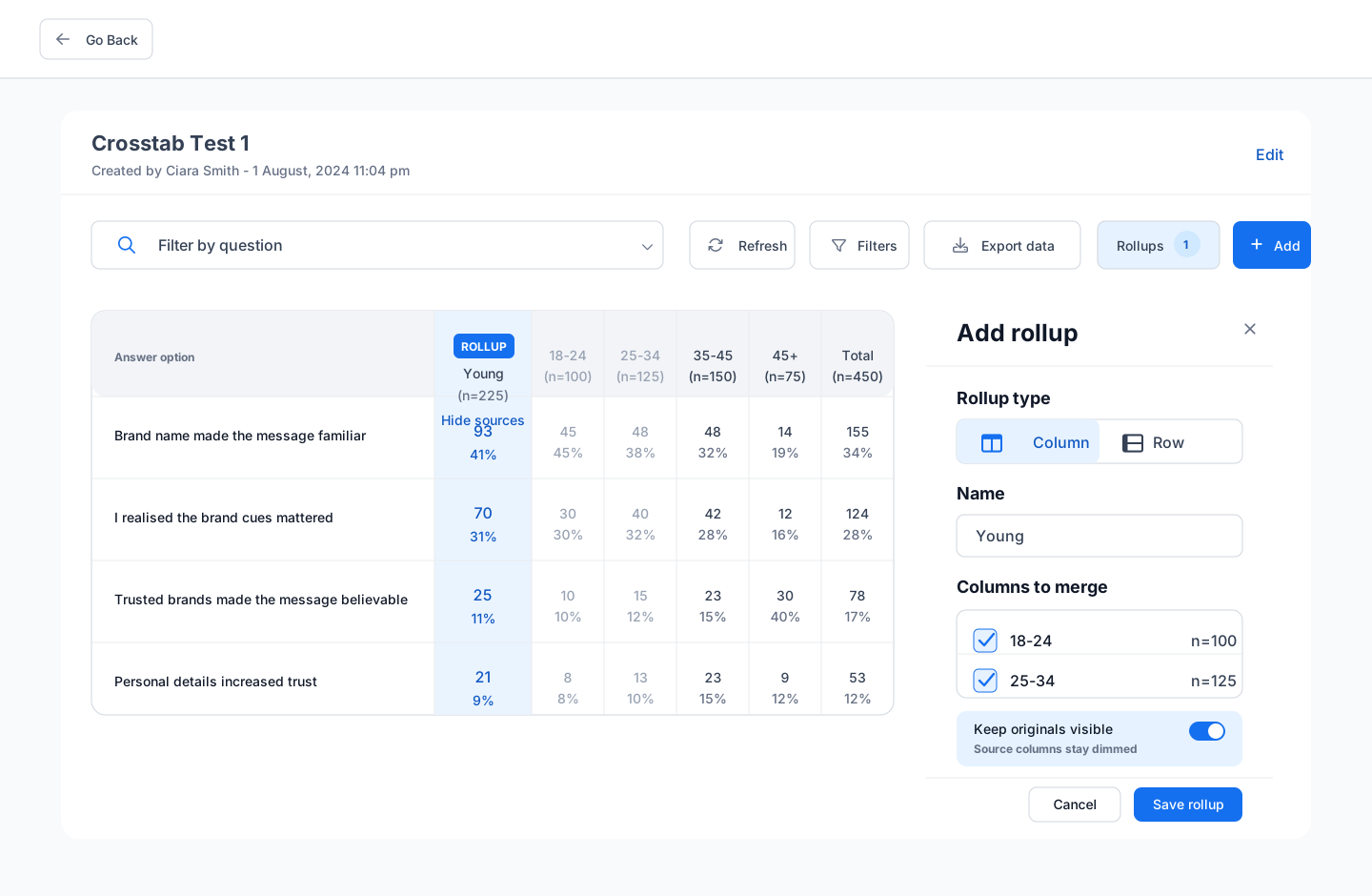
That means a team can ask why satisfaction fell, then filter the follow-up responses by the segment that scored lowest or by the audiences that responded most differently.

What happens after fieldwork
The study does not end as another disconnected export. Results, quality decisions, open-end evidence, and follow-up questions can feed into Insight Navigator so the next business request starts from structured research the team already owns.
Next step
See the survey workflow from design through live quality control.
Book a 30-minute demo and we will walk through how the survey tool handles setup, sample, live respondent review, and connected evidence in one workflow.